
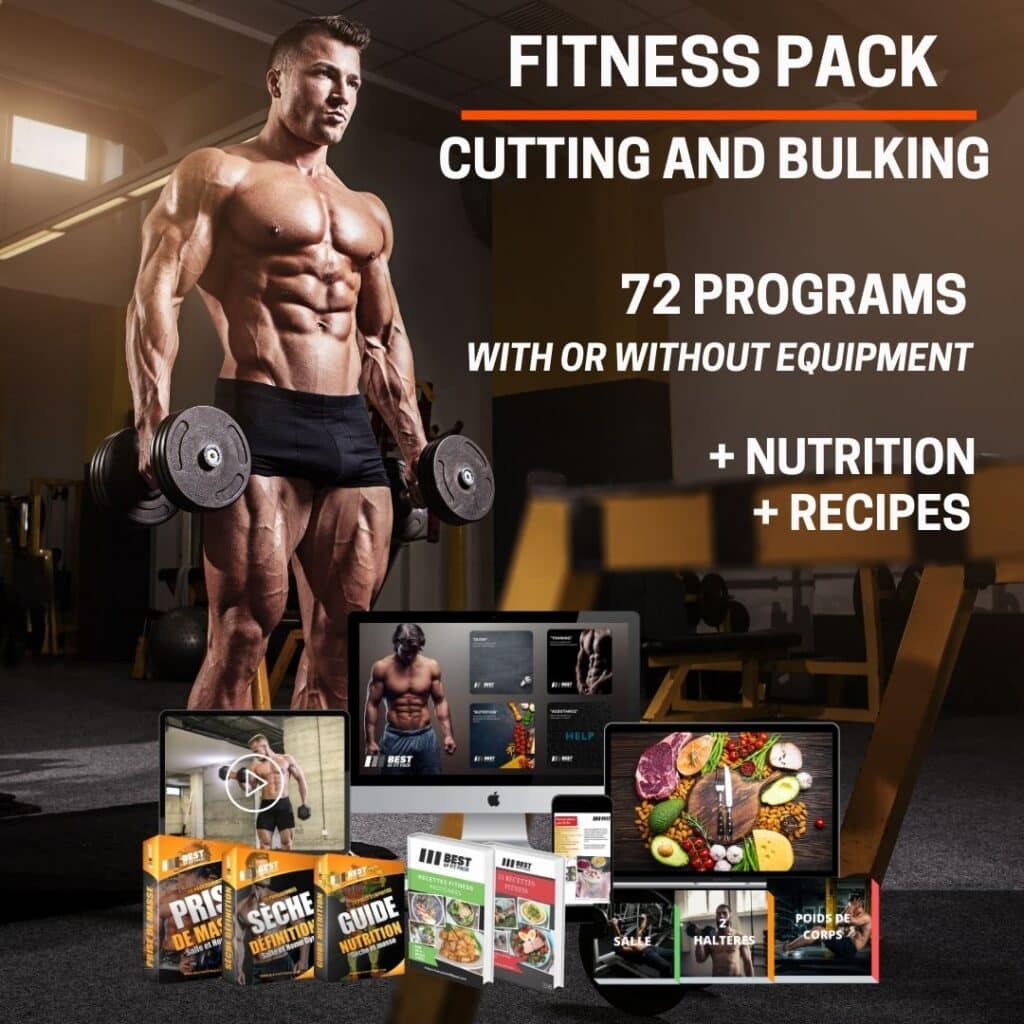
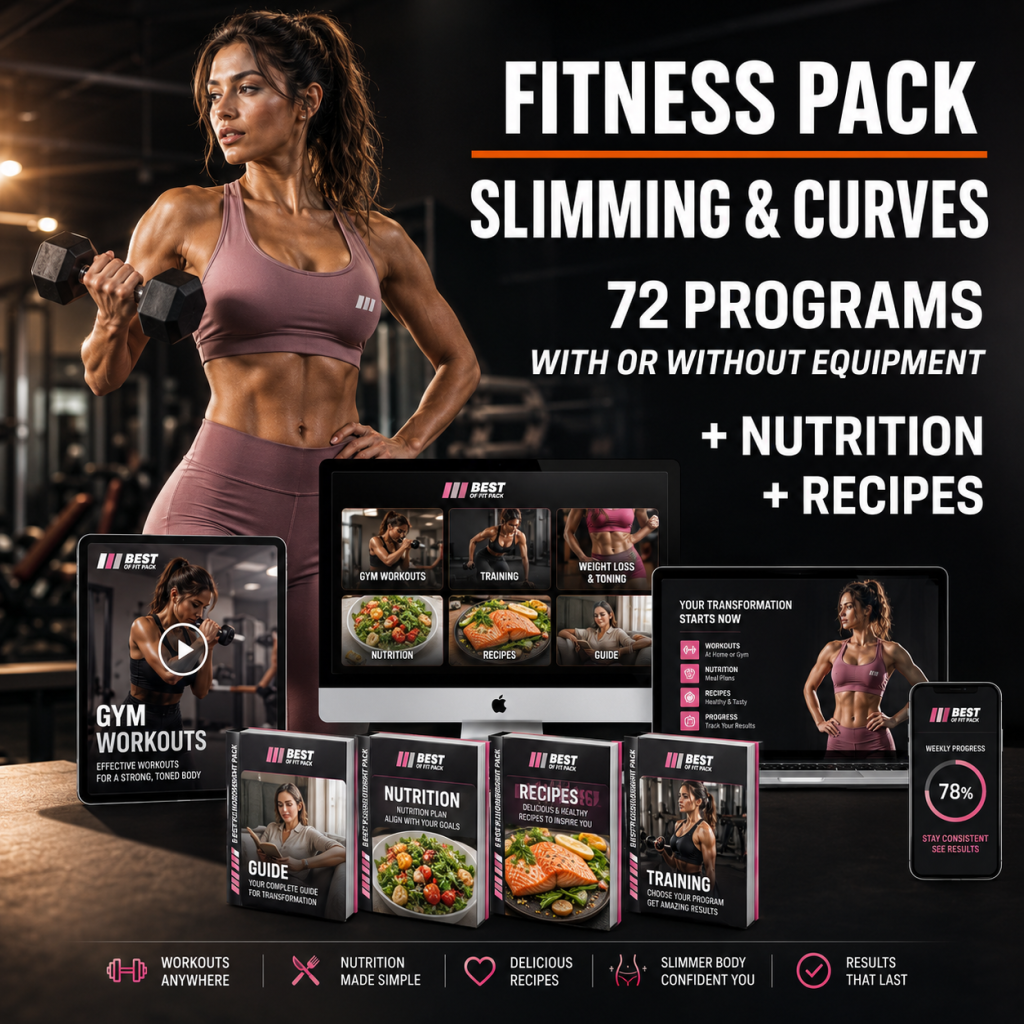
Connect to your Fitness Pack or Challenge by clicking on the corresponding image
Important: access grants rights to only one pack or challenge, if you have purchased a men’s fitness pack, it does not grant you access to the men’s or women’s challenge (unless you have taken advantage of a special promotion or LifeTime VIP offer).
If you would like to purchase another one of our services, please contact us by clicking the button below to take advantage of a special offer.

Add your Fitness Pack to your Home Screen
Create a shortcut on your phone and access your Best Of Fit Pack services in one tap, just like a regular app. No App Store or Google Play download is required.
Choose your device
Follow the instructions below. Your Fitness Pack shortcut will then appear alongside your other apps.
Android
Use the Google Chrome browser
-
1
Tap Open my Fitness Pack above and open the page in Google Chrome.
-
2
Tap the three-dot menu in the top-right corner of Chrome.⋮ Chrome menu
-
3
Select Add to Home screen. Depending on your phone, you may see Create shortcut or Install.
-
4
Keep the suggested name or rename the shortcut, then tap Add.
iPhone
Use the Safari browser
-
1
Tap Open my Fitness Pack above and make sure the page is open in Safari.
-
2
Tap the Share button at the bottom or top of the Safari screen.↑ Share
-
3
Scroll down and select Add to Home Screen.
-
4
Keep the suggested name or rename the shortcut, then tap Add.